
CSS約 1 分鐘閱讀
如何RWD調整Google noCAPTCHA reCAPTCHA的大小
標籤#css#noCAPTCHA#reCAPTCHA#rwd

調整大小Google noCAPTCHA reCAPTCHA 無論嘗試使用CSS還是CSS和javascript,似乎都無法改變驗證碼的外觀,原因它使用的是`嵌入你的網頁上。相對要去更改由Google外部加載的javascript和css文件生成的內容,事情將變得複雜。 是否有更簡單的方式實現RWD Google noCAPTCHA reCAPTCHA,通過使用CSS` transform`屬性,您可以更改**reCAPTCHA的整個比例來實現寬度的更改**。。` transform:scale(0.77); ` ## CSS transform 實現 RWD 在您網站上加載reCAPTCHA外面包覆的區塊,或自己設定``,定義一個id或class。如下定義一個class=g-recaptcha: `` ...
`為了使reCAPTCHA與左上角對齊,將其設置`transform-origin`為使轉換從左上角開始,使用了`transform-origin: 0 0`。(`transform-origin`默認設置是從中心開始) 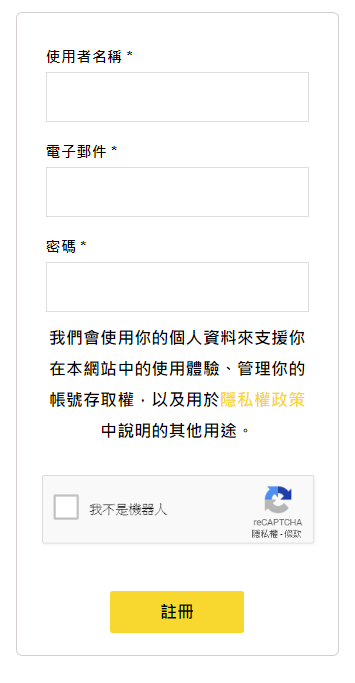 然後你可以使用`media`查詢,**設置不同寬度大小裝置,reCAPTCHA縮放的比例,去適合您的移動設備**。` ` `@media screen and (max-height: 420px){ .g-recaptcha { transform:scale(0.8); -webkit-transform:scale(0.8); transform-origin:0 0; -webkit-transform-origin:0 0; } } @media screen and (max-height: 320px){ .g-recaptcha { transform:scale(0.77); -webkit-transform:scale(0.77); transform-origin:0 0; -webkit-transform-origin:0 0; } }` 參考文章:How to resize the Google noCAPTCHA reCAPTCHA